DS-160 Photo Rejected? 9 Common Reasons and How to Fix Them
A DS-160 photo is usually rejected for one of nine reasons: the file is too big, it isn’t square, it’s too small in pixels, it’s the wrong file type, it has shadows, your head is the wrong size, you’re wearing glasses, your expression isn’t neutral, or it looks filtered. Most of these can be fixed in a few minutes.
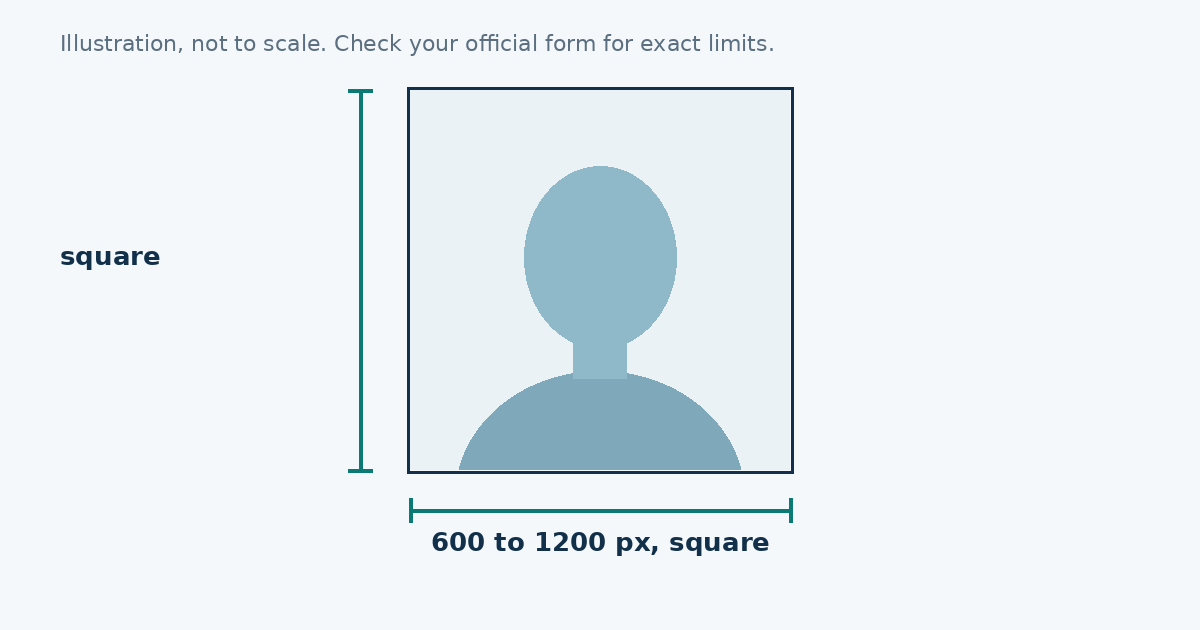
The photo has to be a square JPEG between 600 × 600 and 1200 × 1200 pixels, under 240 KB. Everything below comes back to those numbers and to the basic photo rules.
Two kinds of problems
There are technical problems and photo problems. Technical ones, like size and format, stop the upload straight away. Photo problems, like shadows or a tilted head, are different. The form may accept the file and the trouble shows up later, when the photo is checked. Treat both seriously, because a wrong photo can slow down your application.
The nine reasons, with fixes
| Reason | Fix |
|---|---|
| File over 240 KB | Resize and compress the original once |
| Not square | Crop to an exact square |
| Under 600 pixels | Retake or use a larger original |
| PNG, HEIC or PDF | Save as JPEG |
| Shadows | Move away from the wall, face a window |
| Head too small or too big | Retake with your head filling the frame properly |
| Glasses | Take them off |
| Smile, open mouth, tilt | Retake |
| Filters or retouching | Use the plain original |
1. The file is too big
Phone pictures are often 2 to 5 MB. Shrink the pixel size and lower the JPEG quality until the file is under 240 KB. The photo resizer does this for you: pick the US preset, type 240 and download.
2. The picture isn’t square
A square means the same number of pixels on both sides. A photo that is 600 × 601 isn’t square. Start from a square canvas and move the picture inside it, rather than cropping by eye.
3. The picture is too small
Anything under 600 pixels on a side is too small. Making a small photo bigger doesn’t add detail, so go back to the original, or take the photo again at the highest quality your phone offers.
4. The file type is wrong
Screenshots are PNG. New iPhones save HEIC. Neither is accepted. Convert the picture to a JPEG, or change your phone’s camera format to Most Compatible so new photos come out as JPEG.
5. Shadows on the face or wall
This is the problem we see explained most and fixed least. A shadow behind your head means you’re standing too close to the wall. A shadow on one cheek means the light is coming from the side. Stand about a metre from a plain wall and face a window. No software fix looks right, so retake it.
6. Your head is the wrong size
Your head, from chin to the top of your hair, should measure 1 to 1⅜ inches (25 to 35 mm) in a 2 inch frame. That’s roughly half to two thirds of the height. A tiny head in a big frame is the usual mistake, especially when the picture was cropped from a wide shot.
7. Glasses
Glasses are generally not allowed in US photos. If you wear them all the time, take a photo without them. If you have a medical reason to keep them on, read the official instructions first.
8. Expression and position
Look at the lens, keep your mouth closed or smile only slightly, and hold your head level. A photo taken while you were mid-sentence or half turned is likely to cause trouble.
9. Filters and editing
Beauty modes, skin smoothing and background blur count as editing. Turn them off before you take the picture, and don’t use an app that “improves” faces.
A fast way to test
Open your finished file and ask four questions. Is it a JPEG? Is the size under 240 KB when you check it? Is it exactly square? Does it look like you without any filter? If all four are yes, the technical side is done.
If you keep getting rejected
Take a fresh photo. Wipe the lens, use daylight, stand a metre from a plain wall and have someone take the picture at eye level. Then resize it once from that original.
Sources
Frequently asked questions
Why does my DS-160 photo upload fail?
The most common causes are a file over 240 KB, a picture that is not square, a size under 600 pixels or a file that is not a JPEG.
What size should a DS-160 photo be?
Square, between 600 x 600 and 1200 x 1200 pixels, saved as a JPEG under 240 KB.
Can a photo upload but still be wrong?
Yes. The form can accept a file that does not meet the photo rules, such as one with shadows or glasses, and the problem shows up later.
Should I retake the photo or just edit it?
Edit it for size problems. Retake it for lighting, shadows, glasses, a tilted head or a closed mouth.