How to Take a Passport Photo at Home With Your Phone
You can take a passport photo at home with a phone, as long as you have a plain wall, soft daylight, a second person or a tripod, and a way to resize the file. The steps are simple, but the details decide whether the photo is accepted.
What you need
- A plain white, off-white or light wall.
- A window with daylight.
- A phone with a back camera.
- A tripod, or someone to hold the phone.
- A way to crop and compress the file, like the free photo resizer.
Step 1: pick the wall and the light
Stand facing a window, not with the window behind you. Daylight from the front gives even light on both cheeks. Avoid ceiling lamps that cast shadows under the chin and eyes. Avoid standing right against the wall, since that puts a shadow behind your head.
Step 2: set the distance
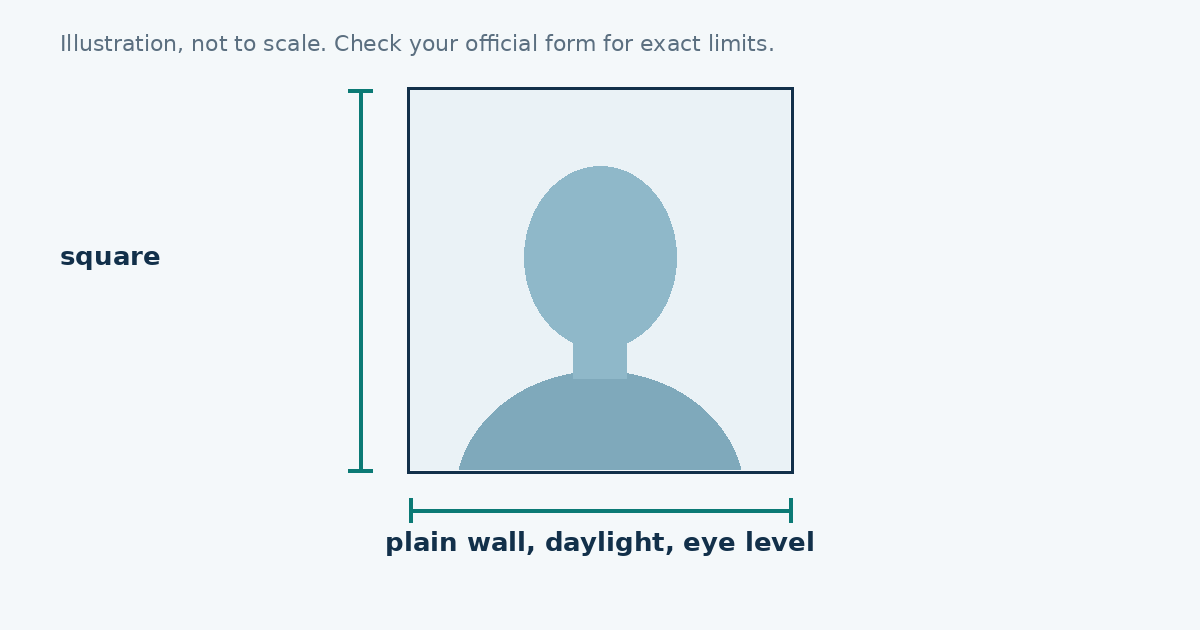
Stand about a metre from the wall. Place the phone one to one and a half metres from you. A distance like this avoids the stretched look you get from close-ups. You’ll crop the picture later, so don’t worry about how big your face is in the frame.
Step 3: set the camera
- Use the back camera.
- Turn off portrait mode, filters and beauty modes.
- Turn off the flash.
- Switch on the grid, so the picture stays level.
- Clean the lens with a soft cloth.
Step 4: pose
Hold your head level and look straight at the lens. Keep your shoulders square to the camera. Your mouth should be closed, with a neutral expression or a very slight smile, depending on your country’s rules. Keep your hair off your face and eyes. Take glasses off if your country asks for it.
Step 5: take lots of photos
Take at least ten. Blinks, tilts and slight smiles show up on a screen only after you zoom in. Pick the one where both eyes are open and sharp.
Step 6: crop and resize
Open the photo resizer and choose your country. Move and zoom until your head fits the oval, with a bit of space above your hair. Type in the file size your application allows, and download the JPEG.
Step 7: check the picture
Open the finished file and look at it at full size. Is the background clean? Are your eyes sharp? Is the picture the right shape? Is the file under the limit? If you can’t say yes to all four, retake it.
Common mistakes
- Standing in front of a window, which makes your face dark.
- Using a selfie camera, which is softer and often reverses the picture.
- Taking the photo too close, so the nose and chin look larger.
- Shooting from above or below eye level.
- Letting a shadow fall on one side of the face.
- Cropping so tight that the top of your head is cut off.
- Applying a filter that smooths your skin.
When home photos don’t work
If you don’t have a plain wall or enough light, a photo shop may be a better choice. Some people hang a plain light sheet on the wall. That works, but make sure it is smooth, with no folds or visible texture.
One rule to remember
The rules depend on the country. The size, background colour, glasses rules and file limits are different for the US, the UK, Canada and Schengen countries. Look up the page for your application first, then take the photo.
A small setup that makes a big difference
If you don’t have a tripod, lean the phone against a stack of books on a table and set the timer to ten seconds. Adjust the height so the lens is level with your eyes. Then step into place, relax your shoulders and look at the lens. A timer means you don’t need to hold the phone, and it removes the shake that blurs a picture.
Helping a child or an older relative
If you’re taking the photo for someone else, give them a moment to settle first. A calm face looks more natural than a stiff one. For young children, rules can be different, so check the official guidance for your application. For older relatives, make sure glasses glare and a hat or scarf aren’t causing trouble before you start.
Printing from home
If you need a paper photo, don’t print it on regular printer paper. Use photo paper and check the printed size with a ruler. For most paper applications you also need a specific size, so read the instructions before you print.
Sources
Frequently asked questions
Can I take my own passport photo at home?
Yes, if it meets your country's size, lighting and background rules. Many online applications accept a photo you take yourself.
How far should the phone be from my face?
About one to one and a half metres, then crop. Close-up shots can stretch your features.
What background should I use?
A plain white, off-white or light wall, depending on your country, with no shadows.
Do I need a tripod?
No. A tripod or a second person helps keep the phone at eye level and the picture level.